Blog
What Is Source-Grounded AI? How NotebookLM Avoids AI Hallucinations
A deep dive into source-grounded AI (Source-Grounded AI) and how NotebookLM addresses the hallucination problem in general-purpose AI through verifiable citations.
What Is Source-Grounded AI? How NotebookLM Avoids AI Hallucinations
When you ask general-purpose AI tools like ChatGPT a question, they may provide answers that sound plausible but are actually fabricated—this is the well-known “hallucination” problem in AI. Source-Grounded AI was designed specifically to solve this pain point.
Core Principles of Source-Grounded AI
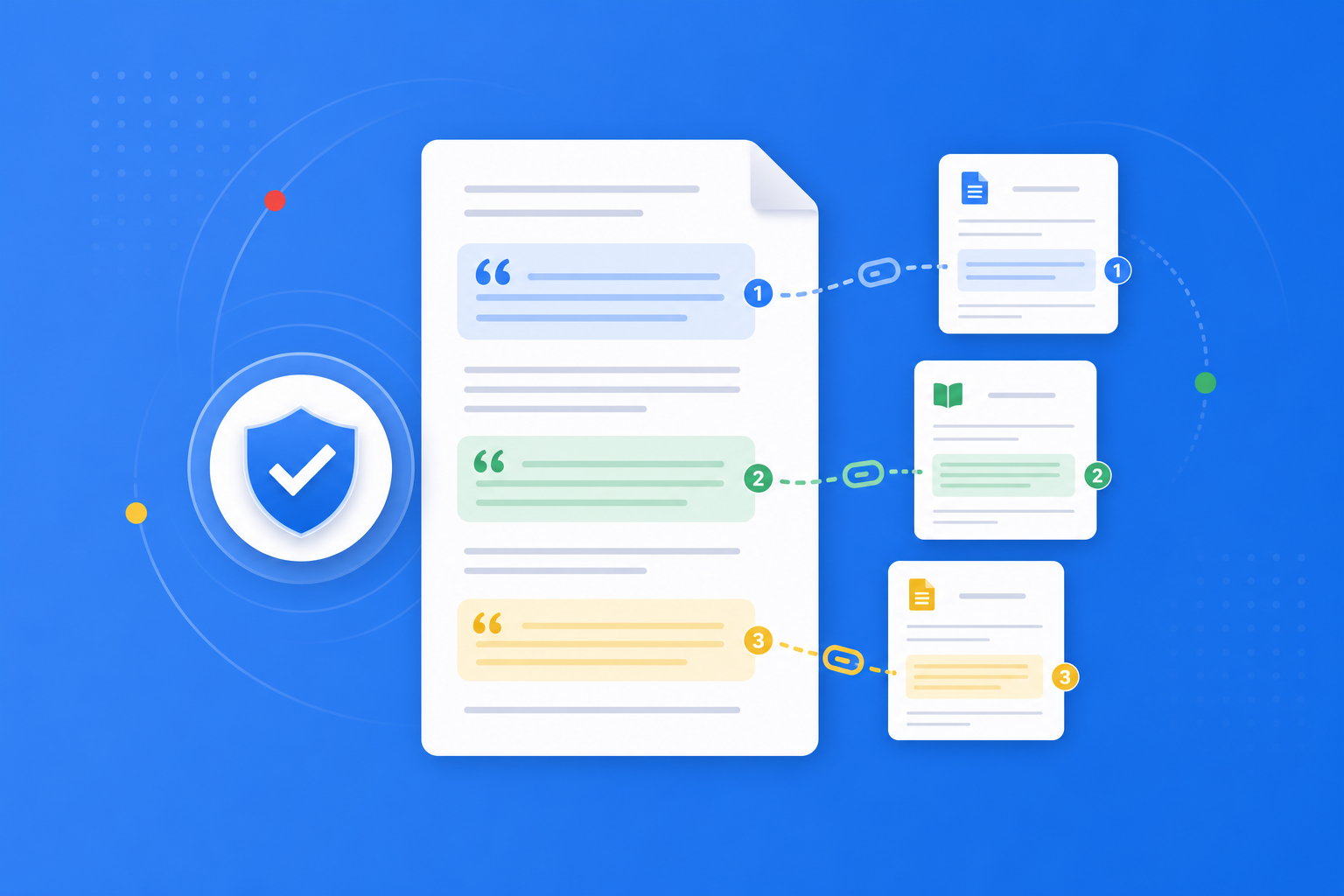
Source-grounded AI responses are strictly based on document materials provided by the user, not the model’s general training data. In NotebookLM:
- You upload PDFs, Google Docs, web links, or YouTube video transcripts
- The AI extracts and synthesizes information only from these sources
- Every answer includes clickable citation links that jump directly to the original passage
This means you can verify the accuracy of AI responses at any time, with information that is fully traceable.
Fundamental Differences from General-Purpose AI
| Feature | General-Purpose AI Chatbot | NotebookLM Source-Grounded AI |
|---|---|---|
| Information source | Training data (may be outdated) | Documents you upload |
| Citation traceability | Usually cannot be verified | Every answer includes citations |
| Hallucination risk | Higher | Significantly reduced |
| Best use cases | General Q&A | Research, learning, document analysis |
Practical Applications of NotebookLM
- Academic literature reviews: Upload multiple papers; the AI helps organize viewpoints and marks sources
- Exam preparation: Generate study guides based on textbooks, with every point traceable to the original text
- Enterprise document analysis: When analyzing technical specifications, ensure interpretations are backed by evidence
Get Started
After creating a NotebookLM account, simply upload your first document to experience the power of source-grounded AI. See our getting started tutorial for details.
Next: put this article to work
Upload a PDF you are reading, ask source-grounded questions, and check citations.
This is an unofficial NotebookLM guide, not affiliated with Google. You will open the app and can sign in free with a Google account.
Related articles

NotebookLM Consulting Knowledge Base Complete Guide: Turn RFPs, Industry Reports, and Interview Notes into a Verifiable Project Desk with Source-Grounded AI
A complete guide to consulting knowledge bases with NotebookLM—from RFPs, industry reports, and interview notes to comparison tables, gap lists, and briefing exports—helping you turn long materials into citation-verifiable project notes with Google NotebookLM, the AI note-taking tool.
Read more →
NotebookLM Language Learning Complete Guide: Turn Textbooks, Subtitles, and Vocabulary Lists into a Verifiable Listen-Speak-Read-Write Desk with Source-Grounded AI
A complete guide to language learning with NotebookLM—from textbook PDFs, subtitle scripts, and word lists to example comparisons, confusion lists, and Audio Overviews—helping you turn language materials into citation-verifiable study notes with Google NotebookLM, the AI note-taking tool.
Read more →