Blog
NotebookLM Exam Prep Complete Guide: Build an Efficient Study Workflow with Source-Grounded AI
A complete guide to exam prep with NotebookLM—from organizing sources and strong prompting to Study Guides, mind maps, and Audio Overviews—helping you turn textbook PDFs into a verifiable, self-testable review system with Google's AI note-taking tool.
NotebookLM Exam Prep Complete Guide: Build an Efficient Study Workflow with Source-Grounded AI
Exams are approaching, textbooks, lecture notes, and past-paper walkthroughs are piled high—yet it is hard to form an executable review loop. NotebookLM, as Google’s AI note-taking tool and source-grounded AI research assistant, turns the PDFs, slides, and course videos you upload into a knowledge base you can query, self-test, and listen to—answers come with citations, reducing the risk of hallucinated facts while you memorize.
This article follows an exam-prep rhythm and systematically covers how to organize sources in NotebookLM, ask questions that lock onto key points, generate review materials, plus scenario advice and optimization tips.
Why Is NotebookLM Especially Suited to Exam Review?
Generic AI can invent exam points; NotebookLM answers only from your textbooks and notes:
- Traceable exam points: Every answer has clickable citations back to the original paragraphs
- Synthesizable materials: PDFs, web pages, and YouTube lectures for the same subject are indexed together
- Convertible outputs: FAQ, mind maps, and Audio Overviews cover reading, testing, and listening
- Iterable progress: Update sources as the course advances, then regenerate Studio content
So NotebookLM fits closed-book exams, certification tests, and midterm quizzes where the textbook is the standard.
How Do You Build an Exam-Prep Workflow with NotebookLM?
Step 1: Create notebooks by exam unit
- Sign in to the NotebookLM app
- Create notebooks by chapter or exam unit (e.g., “Finals: Chapters 5–8”)—avoid stuffing an entire semester into one notebook
- Upload textbook chapter PDFs, lecture notes, and past-paper walkthroughs; add course videos when needed (see multi-source management and the YouTube learning guide)
Tip: Clear OCR full-text PDFs support precise citations far better than blurry scans; remove irrelevant appendices before uploading.
Step 2: Lock high-frequency exam points with questions
- Ask first: “Based on the sources, list the 10 knowledge points most likely to be tested in this chapter”
- Then ask: “Compare concepts A and B in a table—definitions, when they apply, and common mistakes”
- Follow up on vague spots and click citations to verify (prompt patterns in the prompting tips guide; principles in Source-Grounded AI Explained)
The goal of this step is not to “chat for fun,” but to use source-grounded AI to compress a thick book into a verifiable exam-point checklist.
Step 3: Generate multi-format review materials and consolidate in a loop
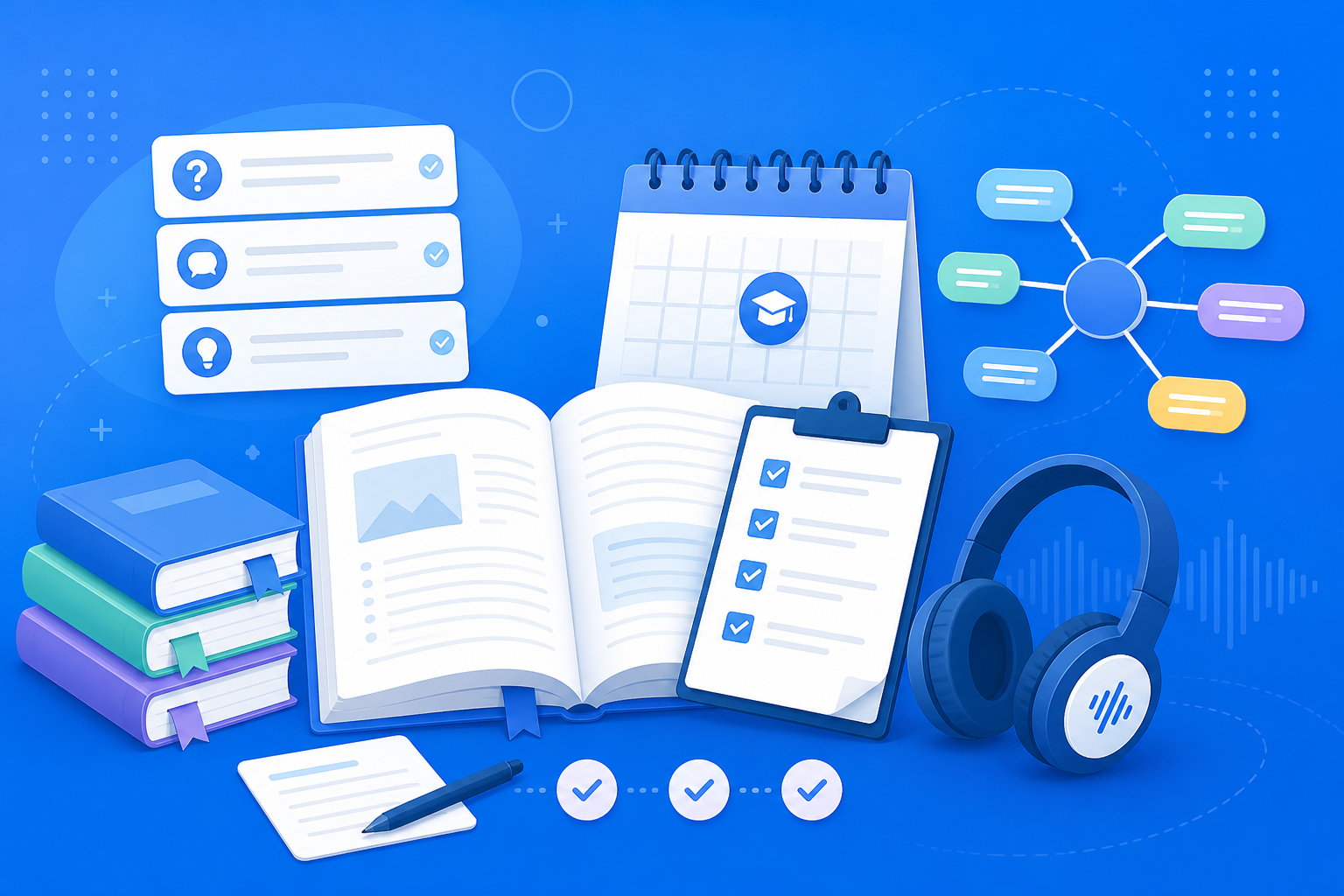
- Generate a Study Guide for FAQ self-testing and glossaries
- Generate a mind map to build chapter structure
- Use an Audio Overview on your commute; return to chat for weak spots
- For group work, share the notebook; when you need a review report, export a briefing
Form a prep loop of “clarify → structure → self-test → listen → refine.”
Who Benefits Most from NotebookLM for Exam Prep?
University students and finals-week grinders
Split notebooks by course; in the two weeks before exams, generate FAQs and mind maps in bulk—faster than rewriting notes from scratch, and you can always return to the textbook original.
Certification and continuing-education learners
When regulations and textbooks update often, maintain a “latest PDF” notebook in NotebookLM and require answers “based only on the newest sources,” lowering the risk of studying outdated handouts.
Graduate students preparing proposals or mid-term reviews
Put assigned readings and classroom recording transcripts in one notebook, use comparative questions to map the theoretical frame, then export a briefing as a presentation draft.
7 Tips to Raise NotebookLM Exam-Prep Efficiency
- One unit, one notebook: The purer the topic, the less your exam-point list mixes subjects.
- Past papers and textbooks in the same library: Makes it easy to ask “which textbook section does this question test?”
- Ask first, then generate Studio: Confirm the AI understands correctly before batch-generating guides or audio.
- Time-box self-tests: Simulate closed-book with FAQs; for what you miss, return to the original text—do not ask again for “just give me the answer.”
- Force comparison tables for easy-to-confuse concepts: Fewer mix-ups under pressure.
- No citation, no mastery: You pass only when you can point to the page or paragraph.
- Use Gemini 3.5 well: Long chapters and cross-document synthesis are more stable (see Gemini 3.5 upgrade explained).
NotebookLM Exam Prep vs Handwritten Notes vs Generic AI: How to Choose?
| Scenario | Recommended approach | Why |
|---|---|---|
| Exam-point mapping that must follow the textbook | NotebookLM source-grounded Q&A + Study Guide | Verifiable citations; fit for exams |
| Personal understanding, mnemonics, and associations | Handwritten notes | Keeps subjective memory cues |
| Open-ended brainstorming with no assigned text | Generic AI | Not bound to sources—but do not treat as the standard answer |
| Fragmented-time consolidation | NotebookLM Audio Overview | Hear the structure, then return for close reading |
NotebookLM does not “guess the exam” for you—it keeps review tight to assigned materials and cuts wasted effort.
Working with Other NotebookLM Features
Exam prep is a chain of full product capabilities:
- Multi-source management / YouTube learning: Get materials ready on the input side
- Strong prompting: Ask for real exam points on the output side
- Study Guide / mind map / Audio Overview: Read, test, and listen as one system
- Sharing & collaboration / briefing export: Group work and presentation scenarios
- Gemini 3.5: Better long-textbook understanding
Frequently Asked Questions
Q: Will using NotebookLM for exam prep make me dependent on AI and unable to write in the exam hall?
A: Treat AI as a “question setter and navigator”; you still need closed-book recall and past-paper drills. Citation checking itself is active learning.
Q: How many notebooks should one subject use?
A: Split by exam scope: midterm/final, or one notebook per 2–3 chapters—usually clearer than one giant notebook per course.
Q: What if a past-paper walkthrough conflicts with the textbook?
A: Ask the model to list the conflict and cite both sides; follow the latest syllabus or the instructor-assigned textbook, and ask the instructor when needed.
Conclusion
The NotebookLM exam-prep workflow turns Google’s AI note-taking tool from a “chat toy” into a review system that sticks to the textbook: clear sources, precise questions, diverse materials, and checkable citations. Whether finals, certification exams, or midterm quizzes, it is worth rebuilding your review loop with a source-grounded AI research assistant.
Open the NotebookLM app now and create your first unit notebook for the next exam; for the basics, see our getting started tutorial.
Next: put this article to work
Put textbooks or notes in a notebook, generate a Study Guide, then verify against the original.
This is an unofficial NotebookLM guide, not affiliated with Google. You will open the app and can sign in free with a Google account.
Related articles

NotebookLM Consulting Knowledge Base Complete Guide: Turn RFPs, Industry Reports, and Interview Notes into a Verifiable Project Desk with Source-Grounded AI
A complete guide to consulting knowledge bases with NotebookLM—from RFPs, industry reports, and interview notes to comparison tables, gap lists, and briefing exports—helping you turn long materials into citation-verifiable project notes with Google NotebookLM, the AI note-taking tool.
Read more →
NotebookLM Language Learning Complete Guide: Turn Textbooks, Subtitles, and Vocabulary Lists into a Verifiable Listen-Speak-Read-Write Desk with Source-Grounded AI
A complete guide to language learning with NotebookLM—from textbook PDFs, subtitle scripts, and word lists to example comparisons, confusion lists, and Audio Overviews—helping you turn language materials into citation-verifiable study notes with Google NotebookLM, the AI note-taking tool.
Read more →