Blog
NotebookLM YouTube Learning Complete Guide: Turn Courses and Talks into a Questionable Knowledge Base
A complete guide to learning from YouTube with NotebookLM—from importing transcripts and source-grounded AI Q&A to Study Guides and Audio Overview—helping you turn videos into verifiable, citation-backed study materials with Google's AI note-taking tool.
NotebookLM YouTube Learning Complete Guide: Turn Courses and Talks into a Questionable Knowledge Base
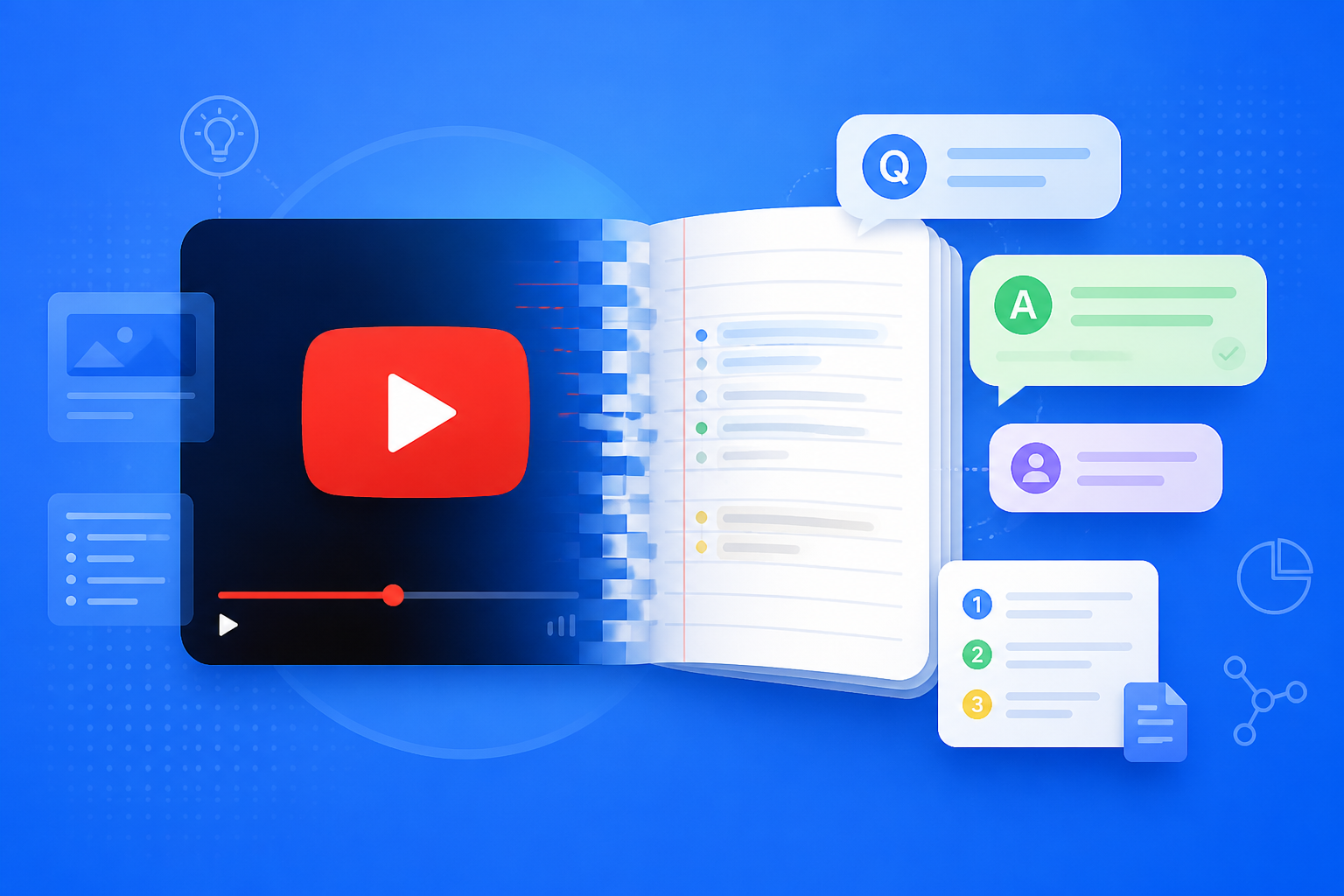
Much of today’s high-quality knowledge lives in YouTube courses, open lectures, and industry talks—but watching while taking notes is slow and hard to search later. After you paste a video link into NotebookLM, Google’s AI note-taking tool builds a source index from the transcript: you can probe key arguments, generate a Study Guide, and even revise with Audio Overview. The video stops being a one-time watch and becomes a reusable AI research assistant knowledge base you can talk to again and again.
This article systematically covers how to import YouTube into NotebookLM, how to combine Q&A with Studio outputs, who benefits most, and practical optimization tips—so video learning becomes part of an efficient workflow.
Why Learn YouTube with NotebookLM Instead of Only the Player?
Traditional players are built for linear watching; NotebookLM is built for “watch, then ask, then produce structured outputs”:
- Searchable: Jump to the matching transcript passage by concept, person, or formula
- Verifiable: Source-grounded AI answers include citations you can check against transcript context
- Synthesizable: One notebook can mix PDFs, web pages, and multiple YouTube videos for cross-material comparison
- Transformable: Generate FAQ, mind maps, and briefings—turning “I watched it” into “I kept it”
That makes NotebookLM especially strong for open courses, technical talks, and product launches—videos with high information density that you need to revisit.
How to Learn YouTube Videos Efficiently with NotebookLM?
Step 1: Pick and Import the Right Videos
- Sign in to the NotebookLM app
- Create a topic notebook (e.g., “Deep Learning Open Course Week 3”) and paste the YouTube URL as a source
- Prefer videos with captions / clear speech; after import, confirm the source status is processed (for more formats, see the multi-source management guide)
Tip: Paywalled, private, or region-restricted videos may not ingest completely. For study-oriented videos, put the lecture PDF in the same notebook so you can cross-reference.
Step 2: Master the Content with Structured Questions
- Start with: “List the core structure and conclusions of this video as bullet points”
- Then dig into hard parts: “Explain concept N and quote the original wording from the transcript”
- When comparing: “Where does this video conflict with the PDF views in this notebook?” (prompt templates: prompting tips)
Always click citations to verify key definitions and numbers—this is the core advantage of source-grounded AI over generic chatbots (see Source-Grounded AI Explained).
Step 3: Turn Videos into Review Assets with Studio
- Generate a Study Guide for FAQ self-testing
- Generate a mind map to see the knowledge structure
- Review on the go with Audio Overview; when you need homework or a report, export a briefing
This way, one YouTube video completes the full loop: import → ask → structure → output.
Who Benefits Most from YouTube + NotebookLM?
Students and Online Course Learners
Put each week’s lecture video and handout PDF in the same notebook. Preview with a mind map before class, self-test with FAQ after—far stickier than watching the replay once.
Researchers and Academic Audiences
Import conference keynotes and methods talks, quickly extract experimental setups and conflicting conclusions, then compare against paper PDFs—ideal prep for group meetings.
Knowledge Workers and Industry Learners
Keep product launches and analyst roadshows alongside official docs in one library. Use NotebookLM to draft competitor takeaways, then share with colleagues (see the sharing and collaboration guide).
7 Tips to Improve NotebookLM YouTube Learning Results
- One course per notebook—or one topic per notebook: Don’t dump unrelated channel videos into the same book.
- Prefer captioned, formal courses: Transcript quality directly drives Q&A accuracy.
- Pair video + PDF: Slides and textbooks fill in formulas and chart text that spoken delivery skips.
- Ask macro before micro: Structure first, details second—fewer citation jumps.
- Segment long videos: For very long content, ask for a “chapter outline” first, then dig section by section.
- Always revisit citations for important claims: Spoken delivery can slip; trust the transcript and course materials.
- Lean on Gemini 3.5: More stable for long transcripts and cross-source comparison (see Gemini 3.5 upgrade explained).
YouTube + NotebookLM vs Watching Only vs Generic AI: How to Choose?
| Scenario | Recommended approach | Why |
|---|---|---|
| Notes you can verify from one or a set of videos | NotebookLM + YouTube sources | Source index; answers are citable |
| Entertainment, one-time browsing | Watch directly | No need to build a knowledge base |
| Open-ended exploration beyond the video | Generic AI | Not constrained to a single transcript |
| Fast review before exams or meetings | NotebookLM guides + Audio Overview | Distill video into testable, listenable material |
NotebookLM’s value is turning YouTube from a playlist into a queryable learning asset.
Synergy with Other NotebookLM Features
YouTube sources are the “input”—they need to connect to the full workflow:
- Multi-source management: Rules for mixing videos and documents
- Strong prompting: Keys to thoroughly questioning long videos
- Study Guide / mind map / Audio Overview: Multi-sensory consolidation
- Briefing export and sharing/collaboration: Turn personal learning into team assets
- Gemini 3.5: Stronger long-video understanding and synthesis
Frequently Asked Questions
Q: Can I learn from YouTube videos without captions in NotebookLM?
A: You can usually still import and rely on automatic transcription, but accuracy drops with poor audio or heavy accents. For important courses, prefer captioned versions.
Q: How many videos can one notebook hold?
A: Follow official limits. In practice, curate carefully within one topic and pair with related PDFs so answers stay focused.
Q: Can NotebookLM play the video picture directly?
A: Its core strength is transcript-based understanding and Q&A. When you need to see a demo, return to YouTube at the matching timestamp.
Conclusion
NotebookLM YouTube learning extends Google’s AI note-taking tool to “sources that speak”: import, ask, structure, and review in one flow. Whether open courses, academic talks, or industry roadshows, source-grounded AI research assistance is worth using to turn videos into a long-lived, queryable knowledge base.
Open the NotebookLM app now, create a notebook, and paste your first course link. For the basics, see our getting started tutorial.
Next: put this article to work
Put textbooks or notes in a notebook, generate a Study Guide, then verify against the original.
This is an unofficial NotebookLM guide, not affiliated with Google. You will open the app and can sign in free with a Google account.
Related articles
NotebookLM Consulting Knowledge Base Complete Guide: Turn RFPs, Industry Reports, and Interview Notes into a Verifiable Project Desk with Source-Grounded AI
A complete guide to consulting knowledge bases with NotebookLM—from RFPs, industry reports, and interview notes to comparison tables, gap lists, and briefing exports—helping you turn long materials into citation-verifiable project notes with Google NotebookLM, the AI note-taking tool.
Read more →
NotebookLM Language Learning Complete Guide: Turn Textbooks, Subtitles, and Vocabulary Lists into a Verifiable Listen-Speak-Read-Write Desk with Source-Grounded AI
A complete guide to language learning with NotebookLM—from textbook PDFs, subtitle scripts, and word lists to example comparisons, confusion lists, and Audio Overviews—helping you turn language materials into citation-verifiable study notes with Google NotebookLM, the AI note-taking tool.
Read more →