Blog
NotebookLM Content Creation & Writing Assistant Complete Guide: Draft Evidence-Based Pieces with Source-Grounded AI
A complete guide to content creation with NotebookLM—from source research and outline extraction to briefing export and citation checks—helping you turn materials into verifiable, publishable articles and copy drafts with Google's AI note-taking tool.
NotebookLM Content Creation & Writing Assistant Complete Guide: Draft Evidence-Based Pieces with Source-Grounded AI
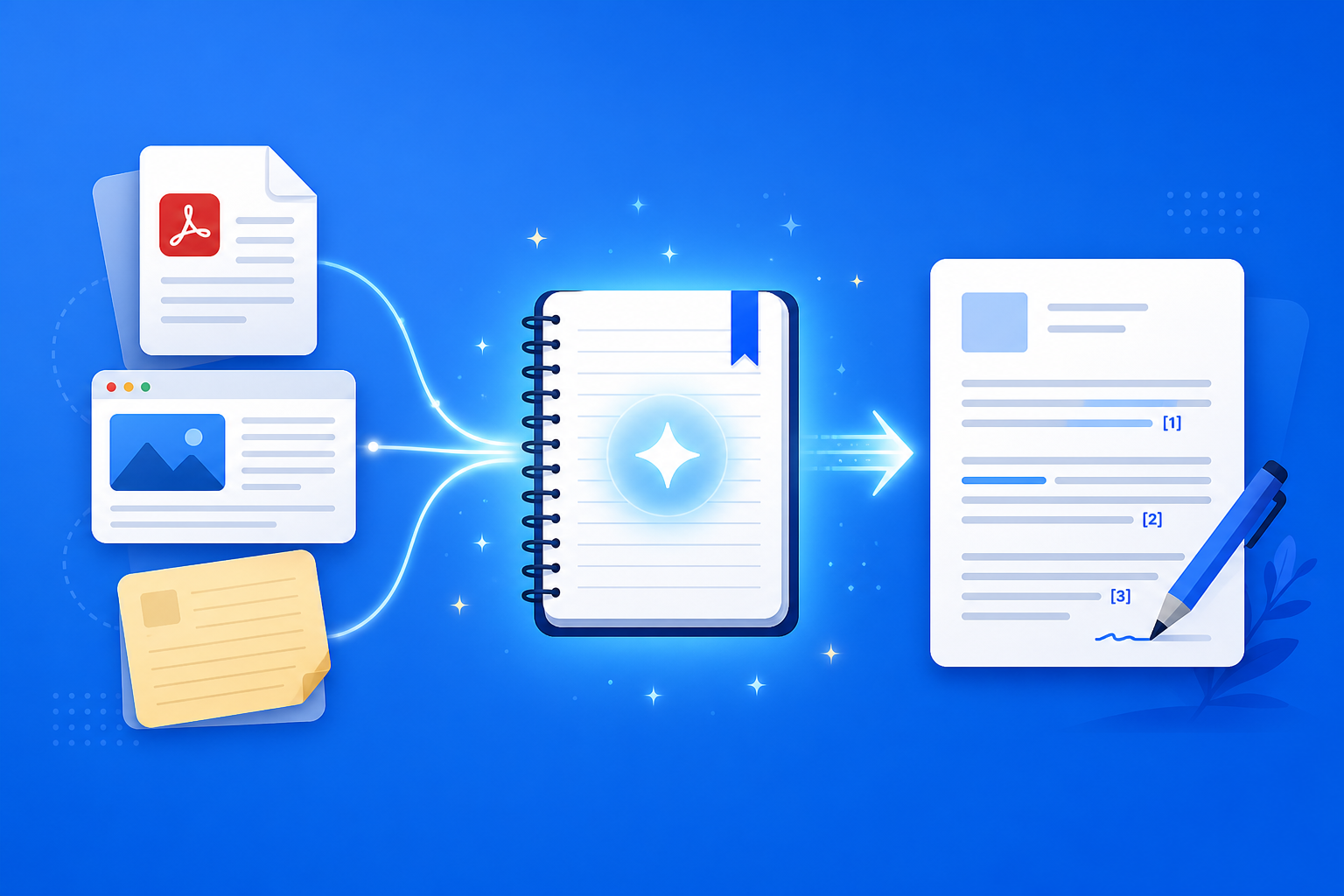
When writing columns, product pages, or industry analysis, two fears dominate: scattered materials and fake evidence. Put interview notes, competitor pages, research PDFs, and related videos into NotebookLM, and Google’s AI note-taking tool can run source-grounded Q&A and structured outputs on your sources—outlines, point comparisons, and evidence lists all come with traceable citations. Writing shifts from “expanding by feel” to “creating with material support.”
This article systematically covers how to use NotebookLM for pre-writing research, building a draft skeleton, best-fit scenarios, and anti-hallucination tactics—so creators can embed an AI research assistant into a real writing workflow.
Why Are Creators Better Off with NotebookLM Than Generic AI Alone?
Generic models excel at fluent prose but often “invent citations.” NotebookLM’s strengths are:
- Claims you can verify: Every key assertion has a clickable citation back to the original
- Materials you can unify: PDFs, web pages, YouTube, and meeting notes for one topic live in one place
- Structure you can generate: Study Guides, mind maps, and briefings quickly become outlines and source cards
- Voice you still control: AI supplies skeleton and excerpts; final tone and viewpoint stay yours
That matters especially for science communication, reviews, B2B content, and academic explainers that need credibility.
How Do You Finish an Evidence-Based Draft with NotebookLM?
Step 1: Build a materials notebook for the topic
- Sign in to the NotebookLM app
- Create a notebook per topic (e.g., “2026 smart notebook review”) and only collect sources for that piece
- Upload research PDFs, product docs, competitor page URLs, interview notes, or video (see multi-source management, YouTube learning, and meeting notes)
Tip: Keep creation notebooks separate from “misc bookmark dumps”; the more focused the sources, the less the outline drifts.
Step 2: Use questions and Studio to build the writing skeleton
- “Based on the sources, list 5 angles this article could take, and label each by evidence strength”
- “Output as an outline: intro hook | 3 supporting points | materials each point must cite”
- “Extract quotable data and verbatim lines into a table (source | excerpt | usable section)”
Prompt craft is covered in the prompting tips guide; when structure is unclear, start with a mind map or Study Guide.
Step 3: Draft, verify citations, and export final materials
- Write in your local editor from the outline; for every critical number and quote, open the citation in NotebookLM and check (principles in Source-Grounded AI Explained)
- For internal review, generate a briefing and export; for co-creation, share the notebook
- During long-form revision, listen to an Audio Overview to check whether the logic flows
Before publish: viewpoint, headline, and case selection remain the creator’s job; NotebookLM owns reliability at the materials layer.
Who Benefits Most from NotebookLM for Content Creation?
Independent creators and columnists
In topic research, use source-grounded Q&A for fact-checking and cut “I heard it somewhere but can’t find the source” mistakes.
Marketing and content ops
Keep product manuals and customer interviews in one library, generate benefit comparison tables and FAQs, then rewrite into landing pages or email copy.
Analysts and knowledge-product authors
Synthesize long reports and multiple papers into a briefing skeleton, then polish by hand into a paid booklet or course notes (exam-oriented writing can also borrow from the exam prep guide).
7 Tips to Raise NotebookLM Writing-Assistant Effectiveness
- One piece, one notebook: Do not dump a year’s topics into a single notebook.
- Evidence before rhetoric: Extract citable facts first, then write punch lines and stories.
- Require “say so if not mentioned”: Stop the AI from filling in data your materials do not contain.
- Use contrast questions for differentiation: Competitor / viewpoint comparison tables most often yield unique angles.
- No pass on citations, no body copy: If page or paragraph does not match, delete or rewrite.
- Persona and tone are yours: NotebookLM supplies the skeleton; keep voice consistent with the account.
- Use Gemini 3.5 well: Long materials and multi-source synthesis are more stable (see Gemini 3.5 upgrade explained).
NotebookLM Writing vs Generic AI Writing vs Pure Handwriting: How to Choose?
| Scenario | Recommended approach | Why |
|---|---|---|
| Must follow specified materials and stay verifiable | NotebookLM source-grounded creation flow | Traceable citations; fit for professional content |
| No-source creative brainstorming, headline divergence | Generic AI | Not bound to sources—good for ideation |
| Personal experience, emotion, and narrative | Handwriting | Keeps authentic voice and differentiation |
| Team co-creating one topic library | NotebookLM sharing + briefing | Unified materials; fewer divergent drafts |
NotebookLM does not “generate a viral full piece” for you—it lets creation stand on reliable materials.
Working with Other NotebookLM Features
The creation flow is a chain of capabilities:
- Multi-source / YouTube / meeting notes: Bring in real materials
- Strong prompting / mind map / Study Guide: Dig angles and outlines
- Audio Overview: Check whether logic flows
- Briefing export / sharing & collaboration: Review and co-create
- Gemini 3.5: Raise long-document synthesis quality
Frequently Asked Questions
Q: Can NotebookLM directly generate a full piece ready to publish?
A: It can generate a draft, but rewrite viewpoint and structure by hand; for professional publish, always finish citation checks.
Q: If a viewpoint is not in the materials, will the AI invent it?
A: In source-grounded mode it should refuse unsupported invention; if you see inference, require a label like “not directly supported by sources.”
Q: Is it OK to put confidential business docs in a creation notebook?
A: Only within authorized scope; desensitize before external sharing, or use a separate notebook.
Conclusion
NotebookLM content creation and writing assistance turns Google’s AI note-taking tool into a creator’s “materials hub”: research can settle, outlines have grounds, evidence can be rechecked. Whether columns, marketing copy, or analysis reports, it is worth using a source-grounded AI research assistant to pull writing back from freestyle generation to evidence-driven work.
Open the NotebookLM app now and build a topic notebook for your next piece; for the basics, see our getting started tutorial.
Next: put this article to work
Upload a PDF you are reading, ask source-grounded questions, and check citations.
This is an unofficial NotebookLM guide, not affiliated with Google. You will open the app and can sign in free with a Google account.
Related articles
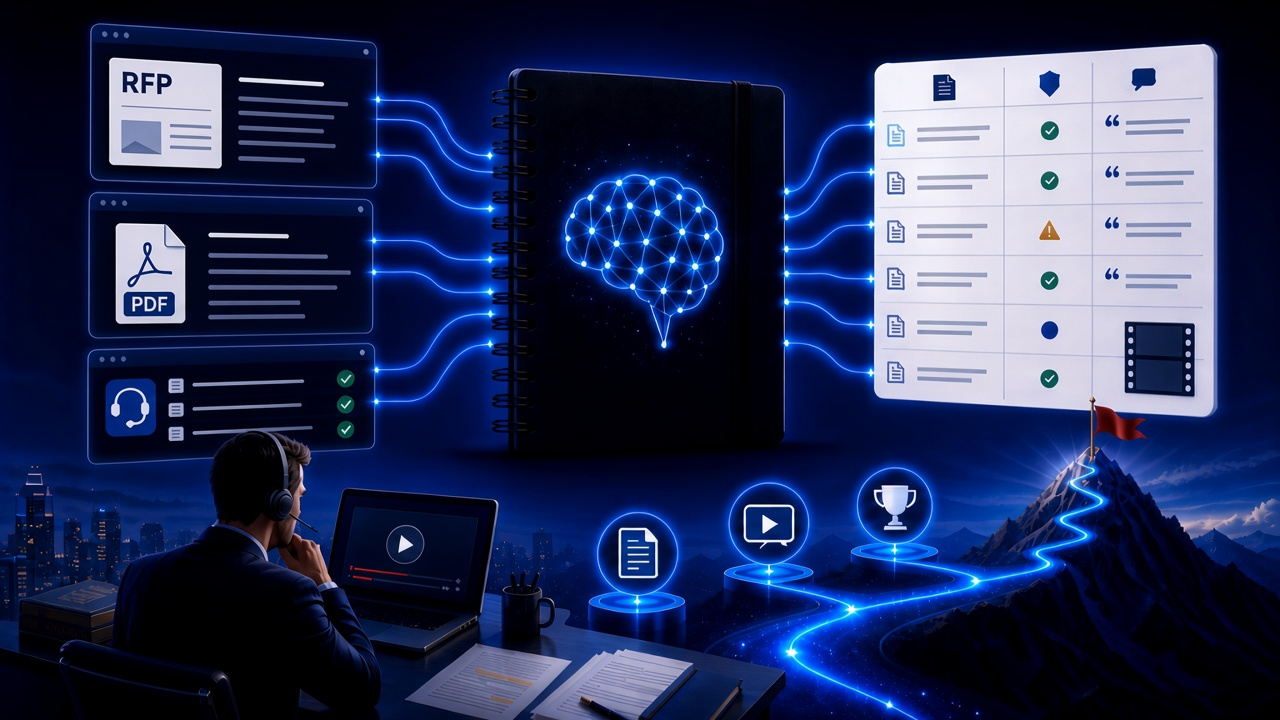
NotebookLM Consulting Knowledge Base Complete Guide: Turn RFPs, Industry Reports, and Interview Notes into a Verifiable Project Desk with Source-Grounded AI
A complete guide to consulting knowledge bases with NotebookLM—from RFPs, industry reports, and interview notes to comparison tables, gap lists, and briefing exports—helping you turn long materials into citation-verifiable project notes with Google NotebookLM, the AI note-taking tool.
Read more →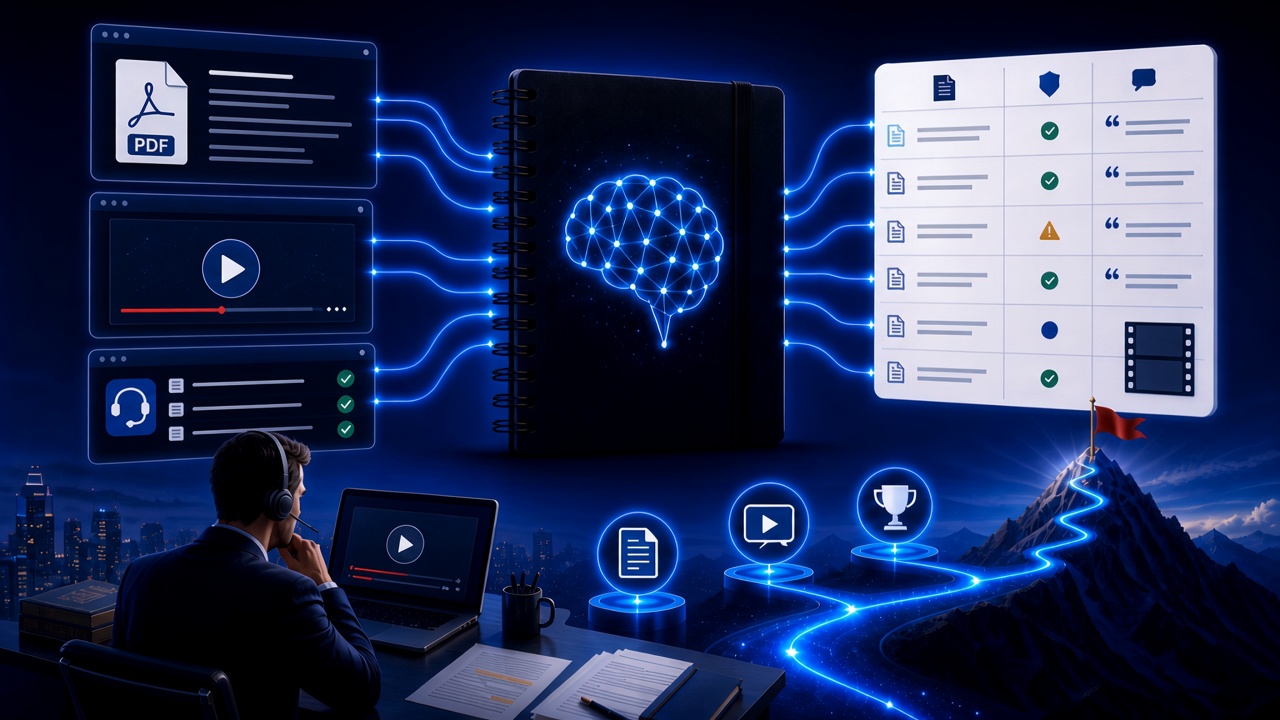
NotebookLM Language Learning Complete Guide: Turn Textbooks, Subtitles, and Vocabulary Lists into a Verifiable Listen-Speak-Read-Write Desk with Source-Grounded AI
A complete guide to language learning with NotebookLM—from textbook PDFs, subtitle scripts, and word lists to example comparisons, confusion lists, and Audio Overviews—helping you turn language materials into citation-verifiable study notes with Google NotebookLM, the AI note-taking tool.
Read more →