Blog
NotebookLM Employee Onboarding & Knowledge Transfer Complete Guide: Turn Handbooks into a Verifiable Onboarding Assistant with Source-Grounded AI
A complete guide to employee onboarding and knowledge transfer with NotebookLM—from aggregating policy handbooks, product docs, and recordings to FAQs, learning paths, and briefing exports—helping you make onboarding and handoffs evidence-based and citation-traceable with Google's AI note-taking tool.
NotebookLM Employee Onboarding & Knowledge Transfer Complete Guide: Turn Handbooks into a Verifiable Onboarding Assistant with Source-Grounded AI
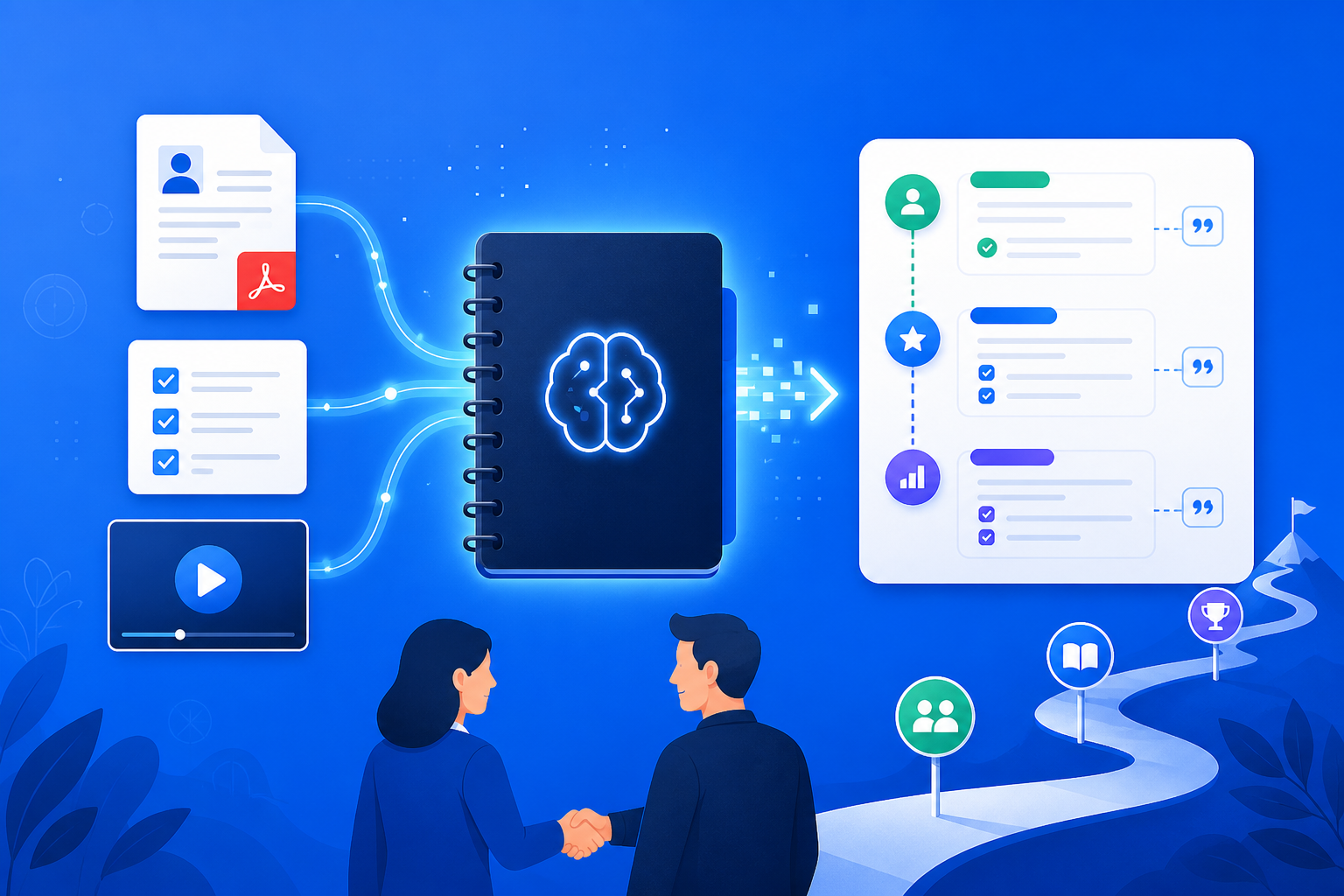
When new hires join or roles are handed off, the most common failure is not “having no materials,” but materials scattered across drives, wikis, chat logs, and a dozen screen recordings: policy PDFs, product docs, historical decision emails, and mentor narration contradict one another. Put the handbooks, SOPs, demo videos, and handoff notes for the same role into NotebookLM, and Google’s AI note-taking tool can answer from your uploaded sources—onboarding FAQs, learning paths, and common-mistake lists all come with clickable citations, turning training from “spoken from memory” into “knowledge transfer with an evidence chain.”
This article systematically covers how to build a training notebook in NotebookLM, generate onboarding paths and handoff briefings, who it fits, and anti-hallucination tips—helping HR, team leads, and mentors embed an AI research assistant into real organizational learning workflows.
Why Is Onboarding Better with NotebookLM Than Generic AI Alone?
Generic models can write fluent “new-hire tips,” yet often invent non-existent policy clauses or outdated processes; NotebookLM’s advantages are:
- Answers can return to sources: Every critical rule has a clickable citation back to a handbook paragraph or recording transcript
- Materials can share one library: PDFs, web pages, YouTube/screen recordings, and meeting notes for the same role are managed together
- Structures are reusable: Study Guides, mind maps, and briefings can iterate on the same training topic
- Boundaries can be declared: Require “if sources do not mention it, say so,” reducing guesses written as company policy
Especially important for scaled onboarding, critical role handoffs, and reducing tacit knowledge that “only lives in a veteran’s head.”
How Do You Complete Evidence-Based Onboarding and Handoff with NotebookLM?
Step 1: Build a training notebook by role / project
- Sign in to the NotebookLM app
- Create a notebook by role or project (e.g., “Customer Success Manager 2026 Onboarding Pack”), and include only sources directly relevant to that role
- Upload policy and SOP PDFs, product help-center URLs, mentor screen recordings, or handoff meeting notes (see multi-source management, YouTube learning, meeting capture)
Tip: One notebook maps to one clear role or handoff scope; dumping company-wide noise dilutes the precision of “what to learn in week one.”
Step 2: Use questions and Studio to generate verifiable learning paths
- “Based on the sources, output a new-hire Day 1 / 7 / 30 learning path, and label the materials for each item”
- “Generate an FAQ table: Question | Standard answer summary | Source excerpt | Items needing human confirmation”
- “List frequent pitfalls and prohibited actions, distinguishing ‘handbook original text’ from ‘mentor-experience inference’”
Prompt patterns are in the quality prompting guide; when the knowledge structure is unclear, first use a mind map or Study Guide to clarify modules.
Step 3: Verify the handoff, export a briefing, and open self-serve Q&A for new hires
- Mentors and new hires jointly verify critical numbers, permissions, and process nodes—always open citations in NotebookLM to confirm (see source-grounded AI explained)
- When syncing progress with managers, generate a briefing and export; for multi-person maintenance of the same role knowledge base, share the notebook
- When materials are long, use an Audio Overview so new hires hear the big picture first, then read the handbook carefully
Before formal authorization and external commitments: policy interpretation and exception approvals remain human responsibilities; NotebookLM nails down the “materials layer.”
Who Benefits Most from NotebookLM for Training and Knowledge Transfer?
HR and L&D training leads
Turn employee handbooks, compliance courses, and role SOPs into a Q&A-ready onboarding pack to cut repeated answers; for assessment-style review, also see the exam prep guide.
Team leads and mentors
Before departure or transfer, import project context, customer agreements, and open items into one library; generate handoff checklists and risk tables (writing patterns can follow the content writing guide).
Customer success and implementation consultants
Keep product docs + implementation recordings in one library so new hires can self-serve “standard configuration steps”; polish external talk tracks by hand (research-style organization can also follow the competitive analysis guide).
7 Tips to Improve NotebookLM Training and Handoff Results
- One role, one notebook: Separate notebooks by role so new hires do not hit irrelevant policies.
- Policies before experience: Anchor citable handbook clauses first, then add mentor experience and label source types.
- Force-label uncovered items: Require listing permissions/exceptions that “materials never mention,” avoiding a false sense of completeness.
- Put version and effective date in the notebook name: Policies update often; put the handbook version month in the title.
- Split confidential and public materials: Manage salary, customer privacy, and other sensitive sources separately; control sharing scope.
- You set learning-path milestones: Let AI fill content; do not let AI invent course modules unrelated to the business.
- Use Gemini 3.5 well: Long handbooks and multi-recording synthesis are more stable (see Gemini 3.5 upgrade explained).
NotebookLM Training Handoff vs Generic AI vs Pure Verbal Mentoring: How to Choose?
| Scenario | Recommended approach | Why |
|---|---|---|
| Must follow current policy/SOP and be auditable | NotebookLM source-grounded training flow | Citations are traceable; fits scaled onboarding |
| Culture stories or soft-skill brainstorming with no materials | Generic AI | Not bound by sources; fits divergent thinking |
| Live practice, tool permission provisioning | Human mentoring | Permissions and security cannot rely on document Q&A alone |
| Multi-person maintenance of the same role knowledge base | NotebookLM sharing + briefing | Materials stay unified; less conflicting narratives |
NotebookLM does not “automatically finish all mentoring for you”; it lets training and handoff stand on verifiable materials.
Synergy with Other NotebookLM Features
The training and handoff flow chains capabilities:
- Multi-source / YouTube / meeting notes: Input handbooks, recordings, and handoff meetings
- Quality prompting / mind maps / Study Guide: Dig into modules and learning paths
- Audio Overview: New hires quickly build the big picture
- Briefing export / sharing & collaboration: Manager review and multi-person maintenance
- Content writing / close-reading patterns: Switch narrative for external training decks or deep reading (see literature review guide)
- Gemini 3.5: Improve multi-document synthesis quality
FAQ
Q: Can NotebookLM directly generate a publishable formal employee handbook?
A: It can generate structure and FAQ drafts, but policy wording, legal review, and effective-date workflows must be human-gated, with citation checks completed.
Q: When new hires ask questions, will the AI invent non-existent company policies?
A: In source-grounded mode it should answer only from notebook materials; require “if not mentioned, say so,” and human-review critical compliance questions.
Q: Are materials with customer data or salary info suitable for a shareable training notebook?
A: Only within authorized scope; desensitize before external sharing or cross-team use; keep sensitive materials in separate notebooks with stricter permissions.
Conclusion
NotebookLM employee onboarding and knowledge transfer turns Google’s AI note-taking tool into the organization’s “role knowledge hub”: handbooks can be deposited, paths have evidence, answers can be rechecked. Whether scaled onboarding, critical role handoffs, or customer-success mentoring, it is worth using a source-grounded AI research assistant to pull training from spoken memory back to evidence-driven practice.
Open the NotebookLM app now and build a training notebook for the next role; for basics, see our getting started tutorial.
Next: put this article to work
Put the PRD or handbook in a notebook, map the gaps, then align engineering wording.
This is an unofficial NotebookLM guide, not affiliated with Google. You will open the app and can sign in free with a Google account.
Related articles
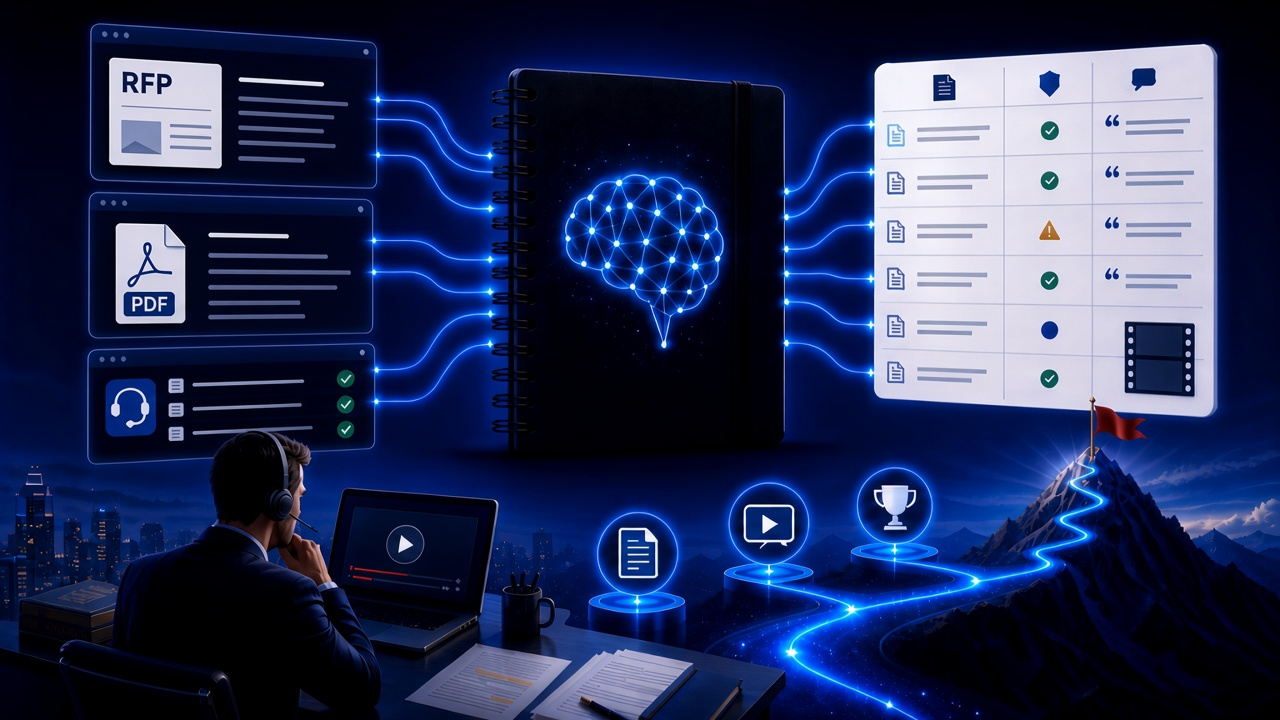
NotebookLM Consulting Knowledge Base Complete Guide: Turn RFPs, Industry Reports, and Interview Notes into a Verifiable Project Desk with Source-Grounded AI
A complete guide to consulting knowledge bases with NotebookLM—from RFPs, industry reports, and interview notes to comparison tables, gap lists, and briefing exports—helping you turn long materials into citation-verifiable project notes with Google NotebookLM, the AI note-taking tool.
Read more →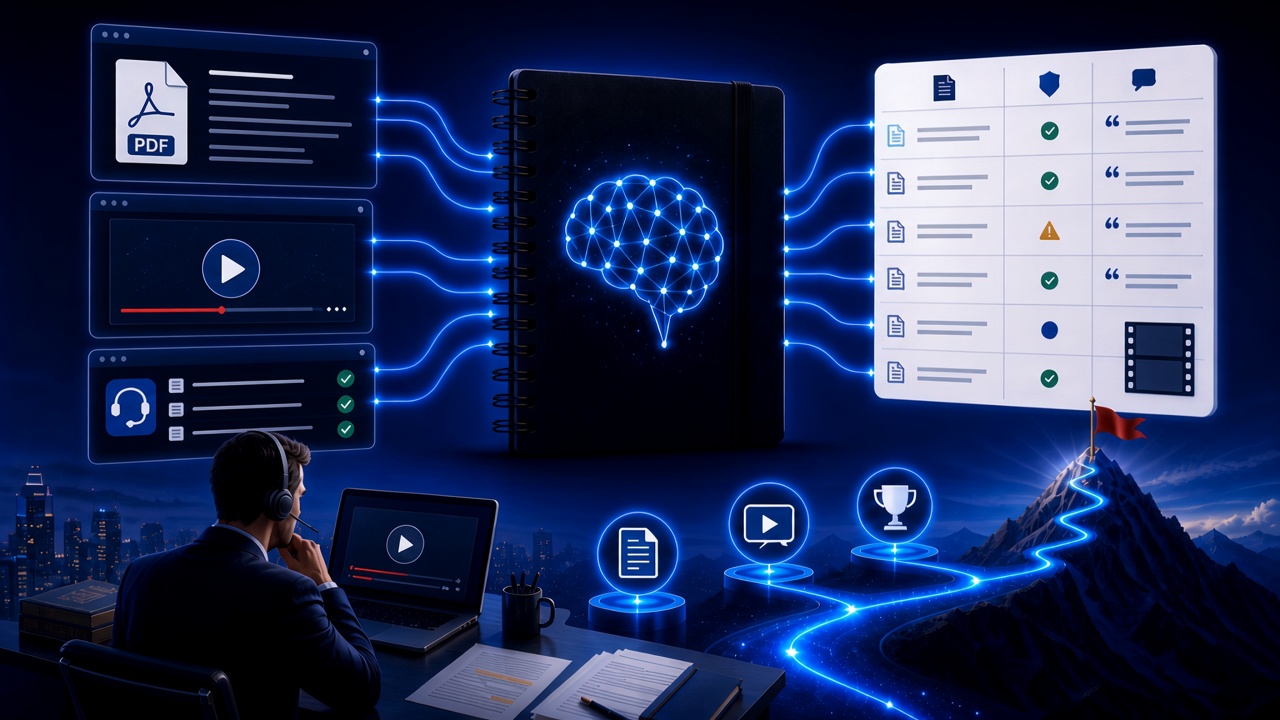
NotebookLM Language Learning Complete Guide: Turn Textbooks, Subtitles, and Vocabulary Lists into a Verifiable Listen-Speak-Read-Write Desk with Source-Grounded AI
A complete guide to language learning with NotebookLM—from textbook PDFs, subtitle scripts, and word lists to example comparisons, confusion lists, and Audio Overviews—helping you turn language materials into citation-verifiable study notes with Google NotebookLM, the AI note-taking tool.
Read more →